 macOS
macOS Linux
Linux Windows
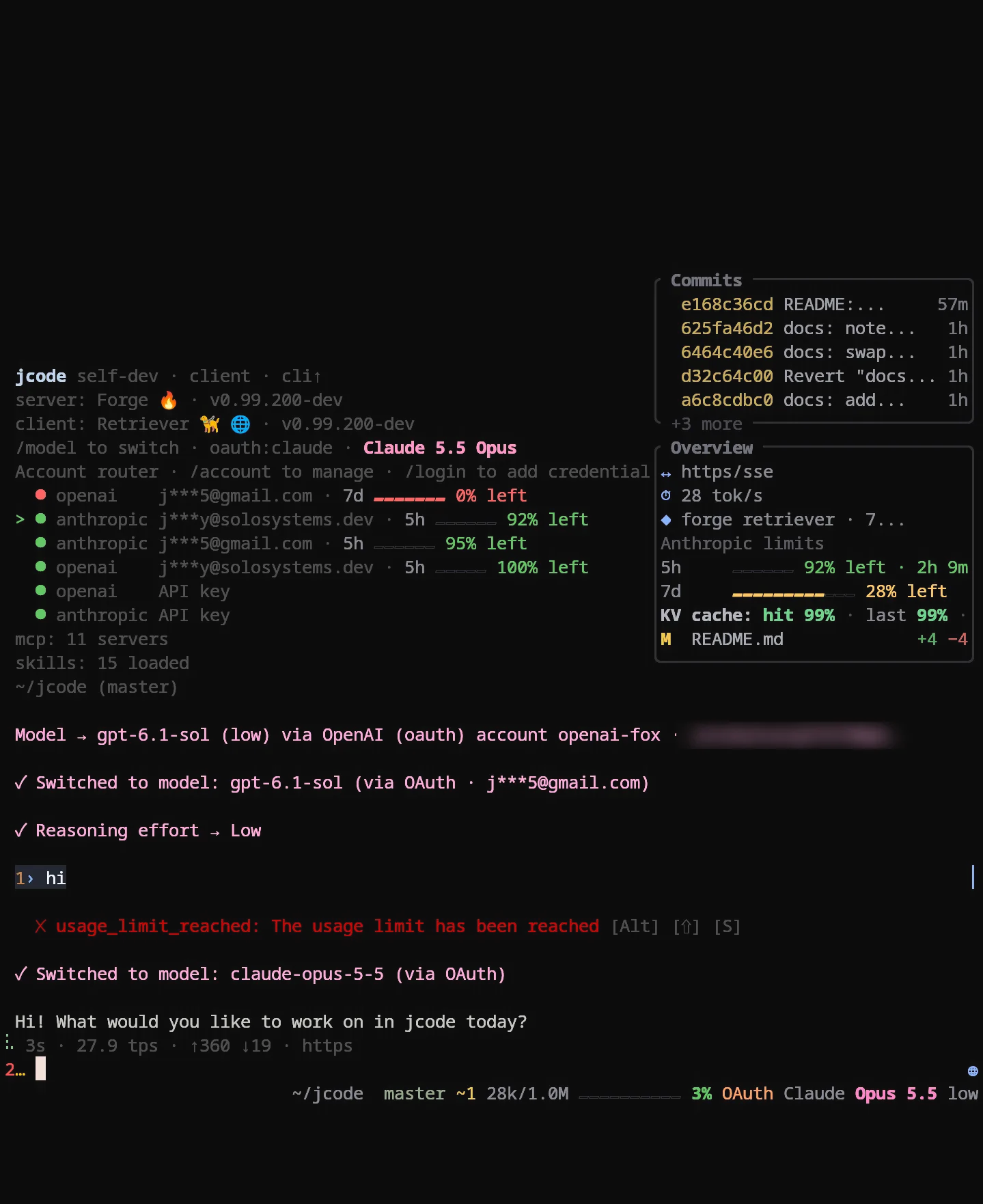
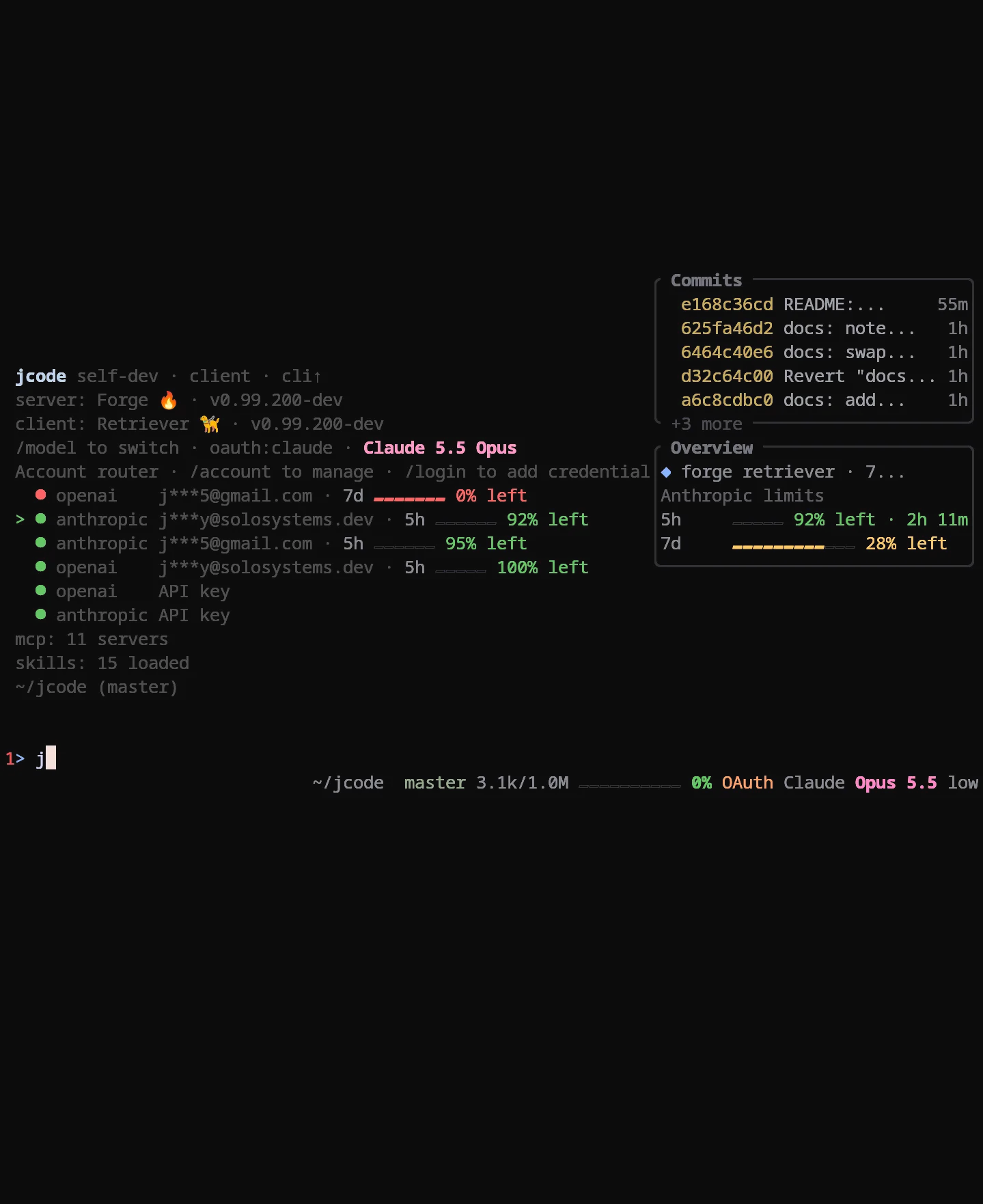
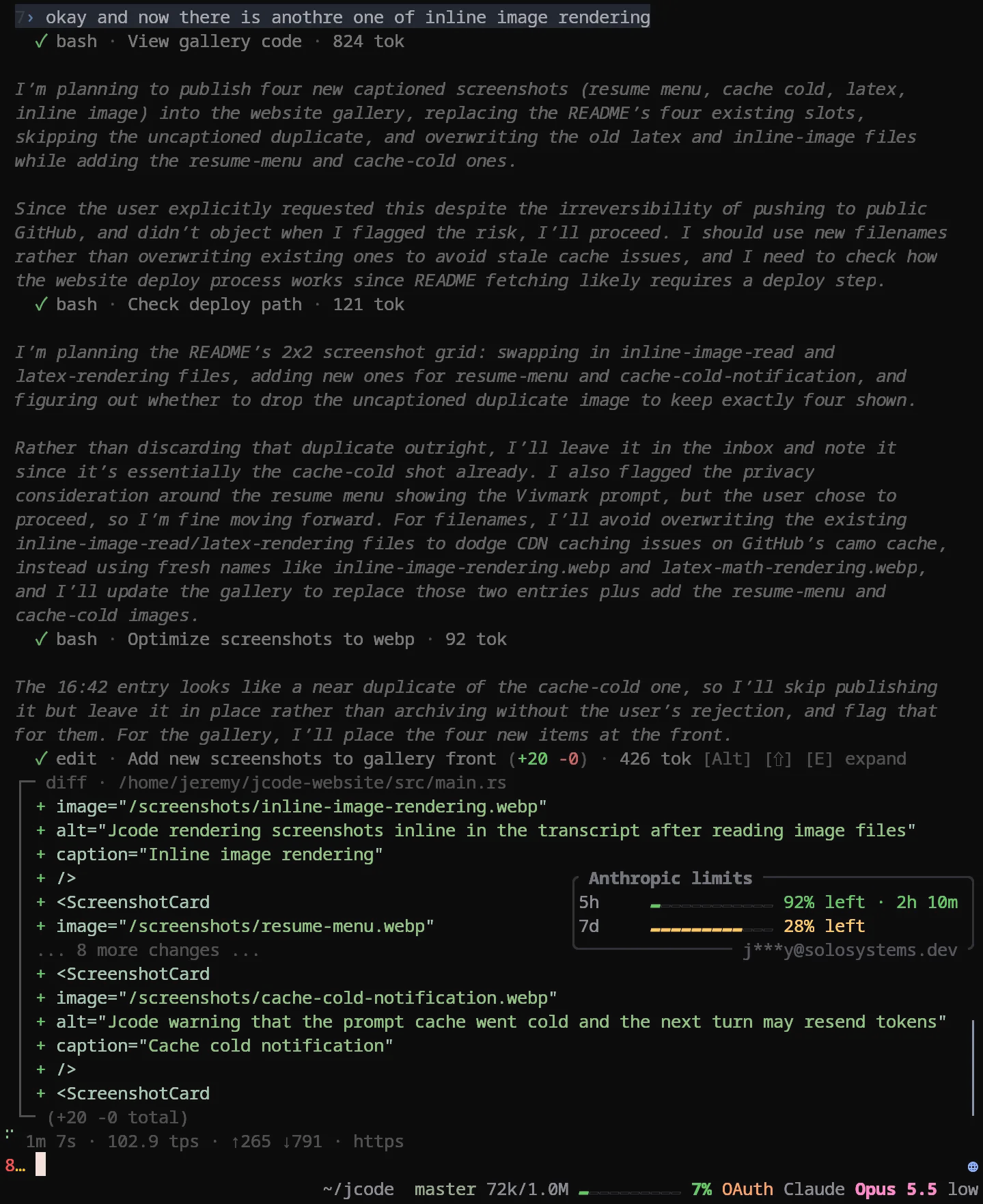
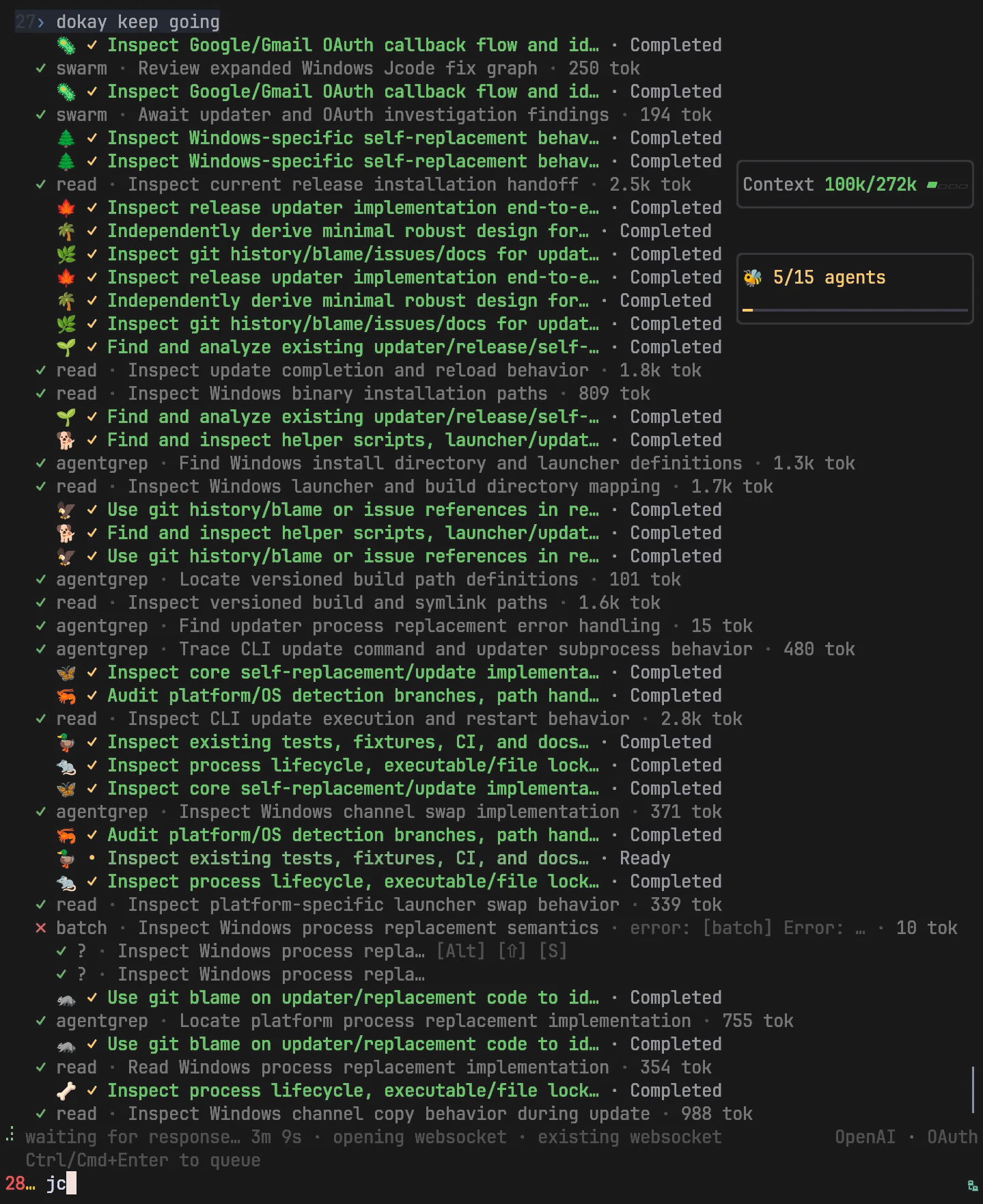
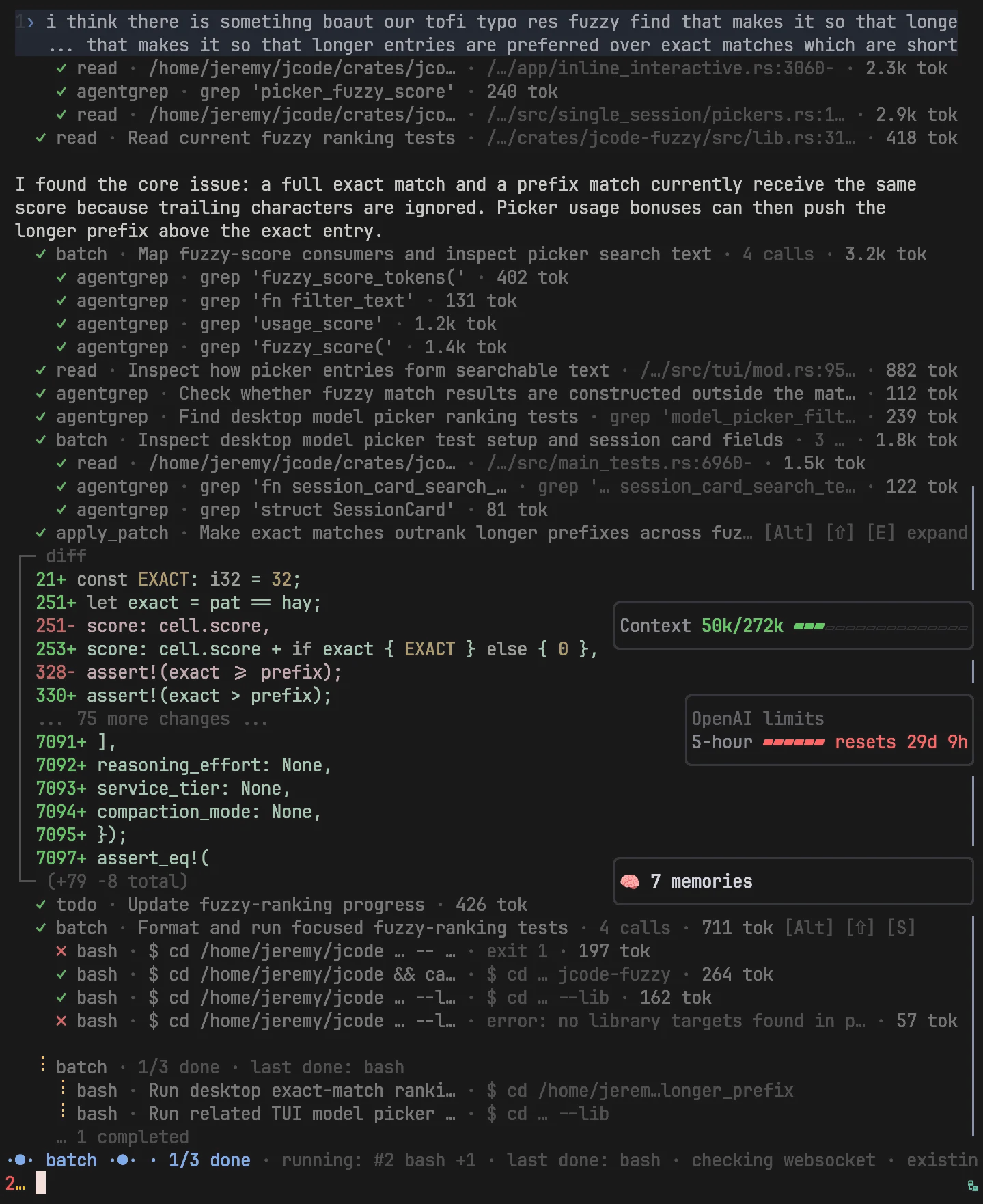
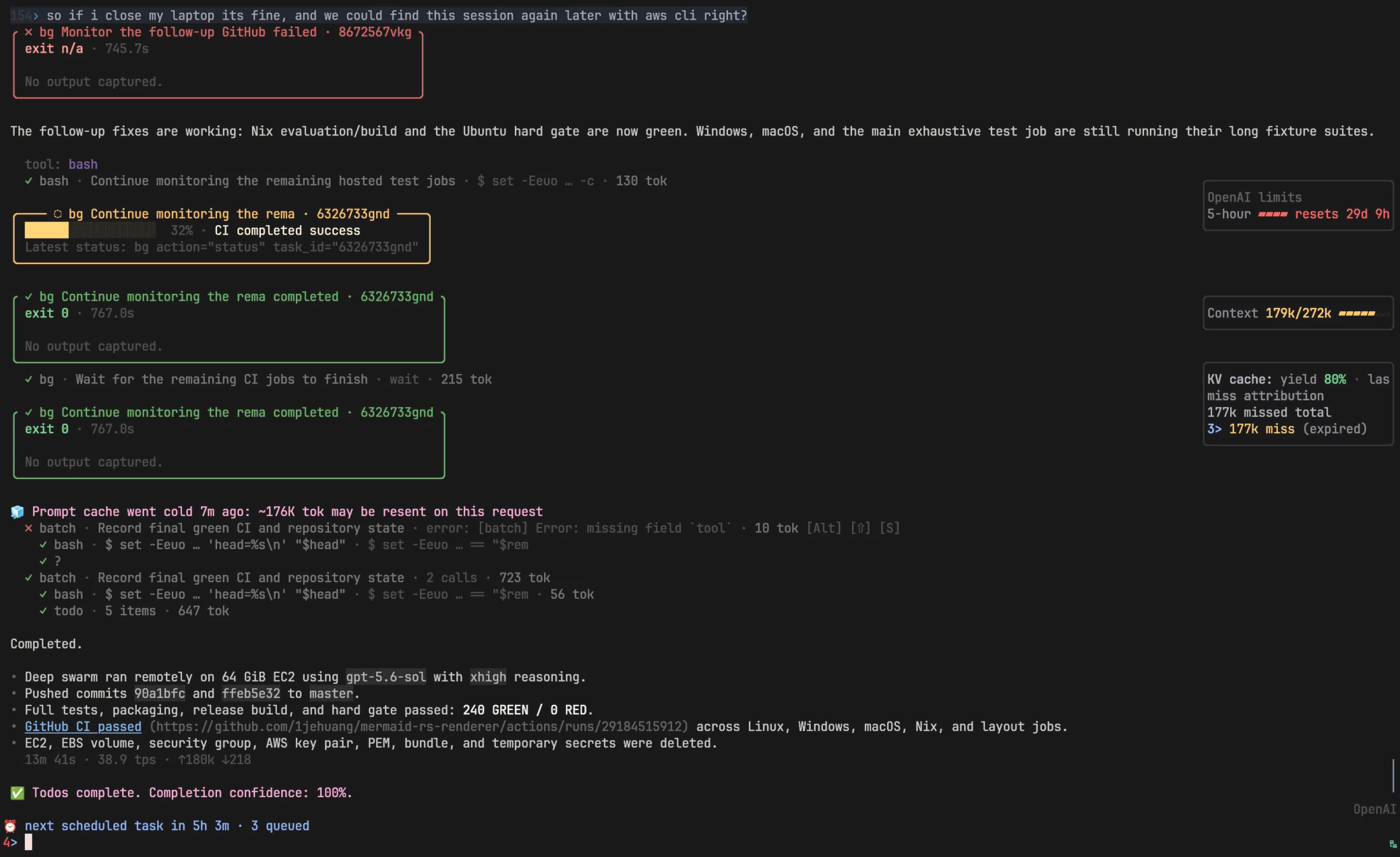
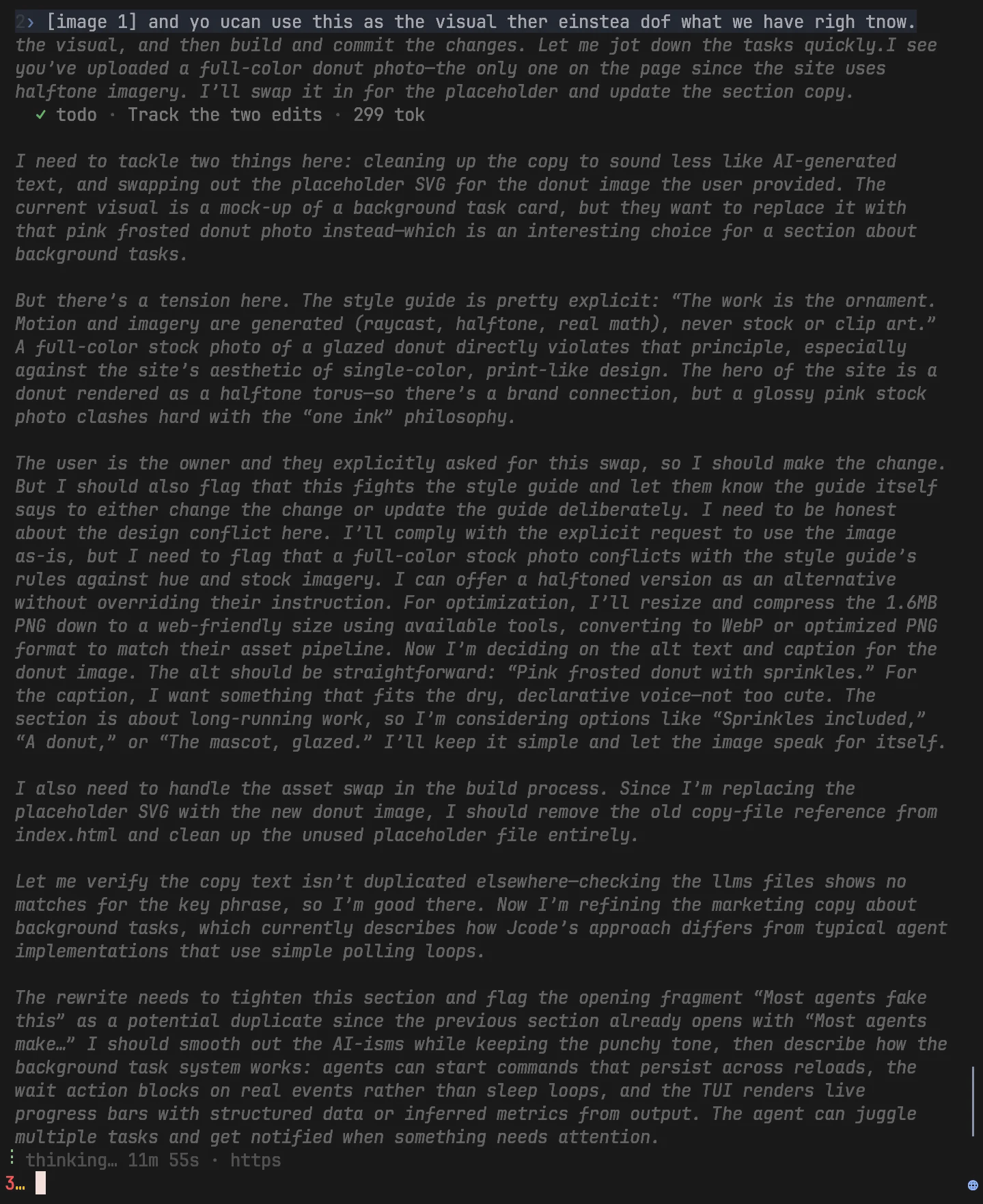
High performance coding agents, written in Rust.
Built for demanding development workflows with many agents working in parallel.
curl -fsSL https://jcode.sh/install | bashPricing · Enterprise · justrust · GitHub · Discord

Loading commits…
Backed by Combinator
Heavy development workflows are bottlenecked by the harness's performance and resource efficiency. Spawn too many agents and your machine can throttle or crash. A slow, resource-hungry harness keeps you from spawning more agents and leaning into parallel work. Jcode is written in Rust and built to stay out of your machine's way. An extra session costs megabytes instead of hundreds of megabytes, and a new session is ready for input in under 50 milliseconds, so you can run many agents at once on the hardware you already have.
Measured: jcode v0.92.14, Claude Code 2.1.267.
| Tool | Extra PSS | Graph | Comparison |
|---|---|---|---|
| jcode (local embedding off) | ~9.9 MB | baseline | |
| jcode | ~10.4 MB | 1.1× more RAM | |
| Codex CLI | ~21.6 MB | 2.2× more RAM | |
| pi | ~76.5 MB | 7.7× more RAM | |
| Antigravity CLI | ~86.4 MB | 8.7× more RAM | |
| Cursor Agent | ~157.5 MB | 15.9× more RAM | |
| GitHub Copilot CLI | ~158.1 MB | 16.0× more RAM | |
| Claude Code | ~212.7 MB | 21.5× more RAM | |
| OpenCode | ~318.4 MB | 32.2× more RAM |
Time until typed text appears on screen, 10 launches each
| Tool | Time | Graph | Comparison |
|---|---|---|---|
| jcode | 48.7 ms | baseline | |
| Antigravity CLI | 383.7 ms | 7.9× slower | |
| pi | 596.4 ms | 12.2× slower | |
| Codex CLI | 905.8 ms | 18.6× slower | |
| OpenCode | 1047.9 ms | 21.5× slower | |
| GitHub Copilot CLI | 1583.4 ms | 32.5× slower | |
| Cursor Agent | 1978.7 ms | 40.6× slower | |
| Claude Code | 3512.8 ms | 72.2× slower |
How long until anything renders, same 10 interactive PTY launches.
| Tool | Time | Graph | Comparison |
|---|---|---|---|
| jcode | 14.0 ms | baseline | |
| Antigravity CLI | 383.5 ms | 27.4× slower | |
| pi | 590.7 ms | 42.2× slower | |
| Codex CLI | 882.8 ms | 63.1× slower | |
| OpenCode | 1035.9 ms | 74.0× slower | |
| GitHub Copilot CLI | 1518.6 ms | 108.5× slower | |
| Cursor Agent | 1949.7 ms | 139.3× slower | |
| Claude Code | 3436.9 ms | 245.5× slower |
The harness can make the same model perform better or worse at your coding tasks. We do extensive research to produce a state of the art harness that is maximally capable at coding tasks.
Running the standard evals against these harnesses showed us how poorly they represent what agents can actually do. Existing benchmarks face a forced choice. Public benchmarks leak their solutions into training corpora, so scores measure memorization and misrepresent capability. Private benchmarks resist that, but they demand trust in a hidden test set, offer less transparency, and are hard to get access to. Beyond that choice, they share two structural flaws. They impose timeouts, so an agent is penalized for allocating more time to a problem, exactly the long-horizon behavior we want agents to develop. And they score on a coarse, discrete boundary: the gap between two very different models can show up as a single task completion. A model that solves 70% of a bench may sit next to a remaining 30% that demands a far higher capability level, and that entire delta is invisible between the discrete tasks. So we designed a new class of benchmarks with a spec:
This design is immediately trustable because everything is public. Training on a previous model's transcript may even help a little, but it doesn't score better unless the model has genuinely generalized from it: replaying a transcript only matches the old score, and beating it requires optimizing past what was memorized, which is the capability the benchmark measures in the first place.
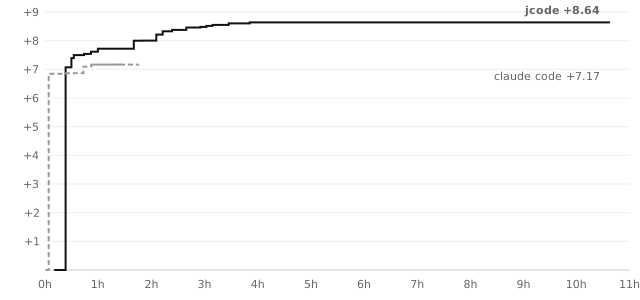
jcode bench v1 provides three tasks that follow this spec: float-print, json-unescape, and utf16-transcode. We chose these tasks because they grade in seconds and are pure coding on real world functions that are useful and genuinely benefit from optimization: a tight loop the agent can climb, on work that actually ships in libraries. The tasks are also chosen so the implementation cannot be overfit to the test suite: correctness is verified over the entire input space, not a sample. Compare measuring grep's speed by timing it on the Linux repo, where an implementation can be overfit to the Linux repo specifically. Above, we plot the score of the agent over time, from a single user prompt. Note that time is 1:1 correlated with cost and token utilization, because tool call time is negligible in these tasks. Both runs used Opus 4.8 with high thinking, identical prompts, launched concurrently, each stopping on its own judgment. On float-print both passed the full 2³² correctness gate; jcode finished at +8.64 (398x speedup) versus Claude Code's +7.17 (144x).
The uncontaminatable benchmark design · jcode bench
harness-agnostic frontier model results · full results and agent transcripts
Jcode's todo tool asks the agent to rate its confidence in each task item, both when the item is assigned and when it's marked done. Tracing those scores across our Terminal-Bench runs showed a clear pattern: confidence is always high after, but sometimes low before, and failures rarely come from tasks the agent was confident about at assignment. The low scores at assignment are real signal, and the jump to 100 at the end is not. So when we see a large spike in confidence, we force the agent to go back and check its work instead of accepting the claim. Ideally, confidence rises incrementally as validation happens during implementation, with each passing test earning a step up. Above, both harnesses on Terminal-Bench 2.1: each line is one trial, from confidence at assignment to confidence at completion. The extra checking pays: trials that finish in time pass more often (92% vs 88%), and even trials cut off by the benchmark's 15 minute limit are more likely to already contain correct work (47% vs 42%).
n = 2,012goal-score submissions
hill_climbability score →
91.29mean
90median
18.0%below the gate
55–100observed range
Agents are at their most capable when they have a metric to hill-climb. This is likely because reinforcement learning trains models to optimize against reward signals, so measurable feedback helps agents keep improving over longer time horizons, and those additional productive iterations lead to better results. Most users never take full advantage of this. Jcode does this for the user when applicable. Every agent goal receives a hill-climbability rating from 0 to 100, based on how quantifiable and iterable its progress really is. A high score is not credible without a stated objective to climb toward. When a goal scores low, the harness pushes back: reframe the goal into a verifiable objective and build the harness that measures it. Without this, an open-ended task leaves the agent with nothing to iterate against, no signal it can use to make its next attempt better than its last.
See the hill-climbability implementation · Download the aggregate data
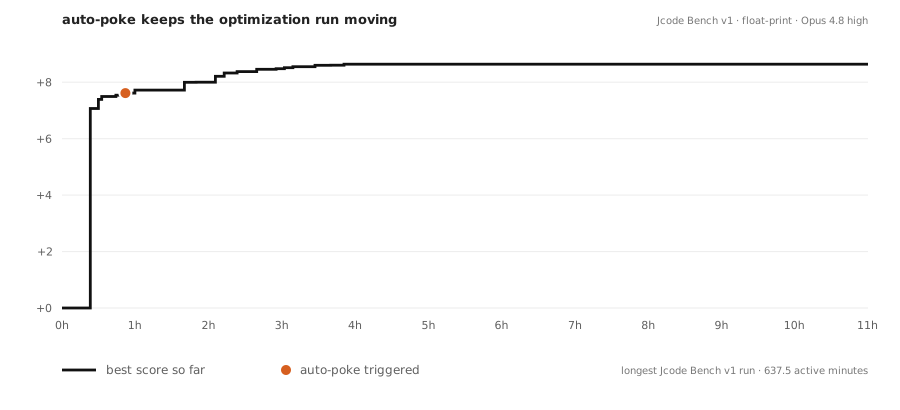
Agents sometimes stop before the work is done. Jcode checks for unfinished todos and prompts the agent to continue, including in headless `jcode run` sessions. Transient errors are retried, while unrecoverable failures stop the loop.
See the persistence implementation · Read the full run transcript
Jcode is MIT licensed, open source, and open research. Everything we build and everything we measure is published, benchmark transcripts and failures included. A tool this close to your work should be one you can read, audit, and reshape.
Jcode is inventing a new form of customizability. One that doesn't limit you to what a plugin or extension can do. Tell your jcode agent to enter self dev mode, and it will start modifying its own source code. Jcode is optimized to iterate on itself. There is significant infrastructure around self development, which allows it to edit, build, and test its own source code, then reload its own binary and continue work in your (potentially many) sessions, fully automatically.
The base prompt in every Jcode session, live from master. AGENTS.md, CLAUDE.md, and self-dev mode add to it.
Think our prompt is too big? Compare it against your favorite coding agent.
| Harness | Core tokens | Graph | Measured scope |
|---|---|---|---|
| pi | 336 | default core; normalized docs paths; no tool descriptions | |
| Jcode | 671 | normal core | |
| OpenCode | 1,766 | provider fallback | |
| Claude Code | ≈2,300 | leaked v2.1.88 default core | |
| Codex CLI | 4,365 | default base instructions | |
| Prime Agent | 5,502 | core + usage + opinionated; no model extras |
Core instructions only, excluding tool schemas and runtime context · o200k_base · pinned sources · method. GitHub Copilot CLI, Cursor Agent, and Antigravity CLI are omitted because no verified reproducible core prompt source is available in this benchmark.
Model-facing built-in tools from a Linux session. Hidden/internal tools and external MCP tools are excluded; session settings can change the list.
The tool definitions sent alongside the prompt. Tool counts and capabilities differ.
| Harness | Schema tokens | Graph | Tools | Measured scope |
|---|---|---|---|---|
| Prime Agent | 166 | 1 | Default Python kernel entry point | |
| pi | 589 | 4 | Default coding tools | |
| Codex CLI | 3,638 | 9 | gpt-5.6-sol code mode, local core (Linux) | |
| OpenCode | 4,982 | 11 | CLI build / Claude Sonnet / Linux bash | |
| Jcode | 11,312 | 28 | Linux snapshot; codemode + integrations enabled |
Claude Code: not measured. Third-party leaked source lacks a verified default build/profile and pinned schema serializer.
Normalized native tool definitions only · o200k_base · no MCP server tools or provider framing · method · data
Do you really run enough agents? Probably not. Here is some guidance to help you get started.
For this workflow, I use Arch Linux and niri, a scrolling window manager. Agents open in quarter-width terminals with no gaps, and the workspace keeps scrolling as I add more.
New terminals open at a quarter of the screen. Keep opening agents. The workspace scrolls, not shrinks.
The same scrolling, keyboard-driven layout, built in, on any OS.
Releases and changelog. Full history on GitHub releases.
Changes since v0.99.1
Automatically listed from commit messages.
OpenAI request fix and stability
Release highlights.
Account failover, hibernation, and faster reloads
Release highlights.
Faster idle sessions and richer responses
Release highlights.
Release highlights.
Release highlights.