
macOS
Universal DMG for Apple Silicon and Intel. macOS 13 or newer.
Download .dmgOpen the DMG and drag Jcode to Applications.
Every session on one spatial canvas.
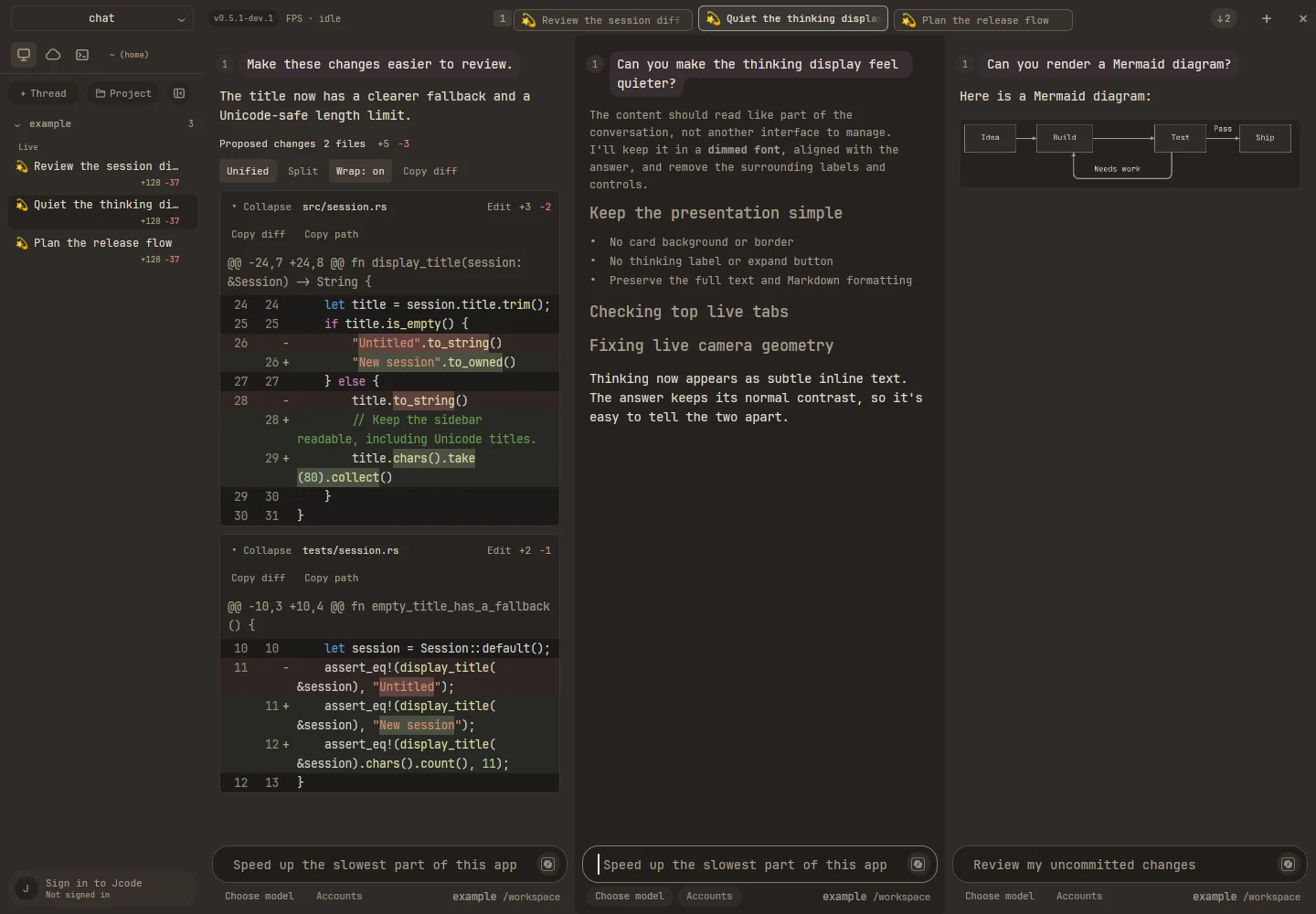
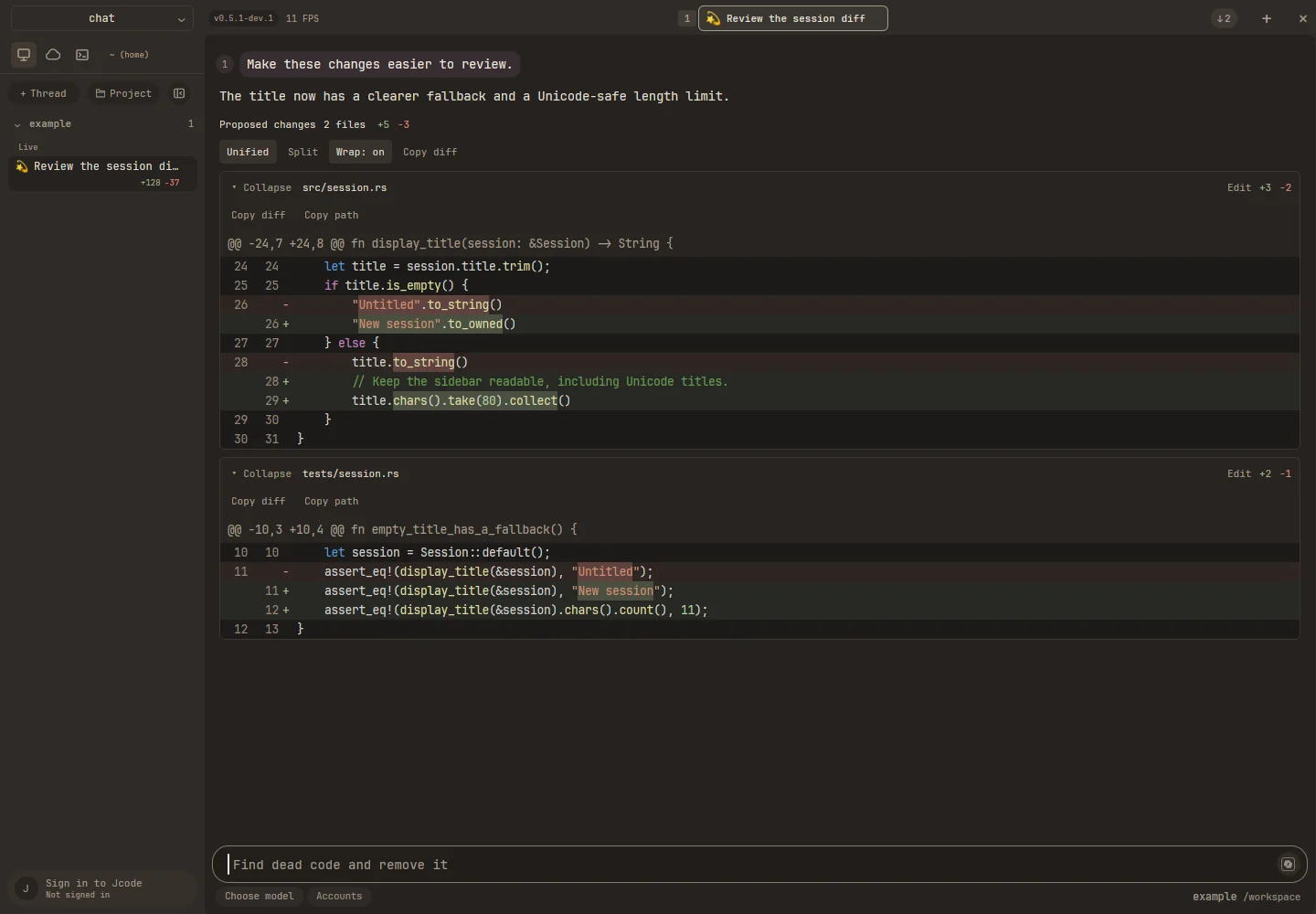
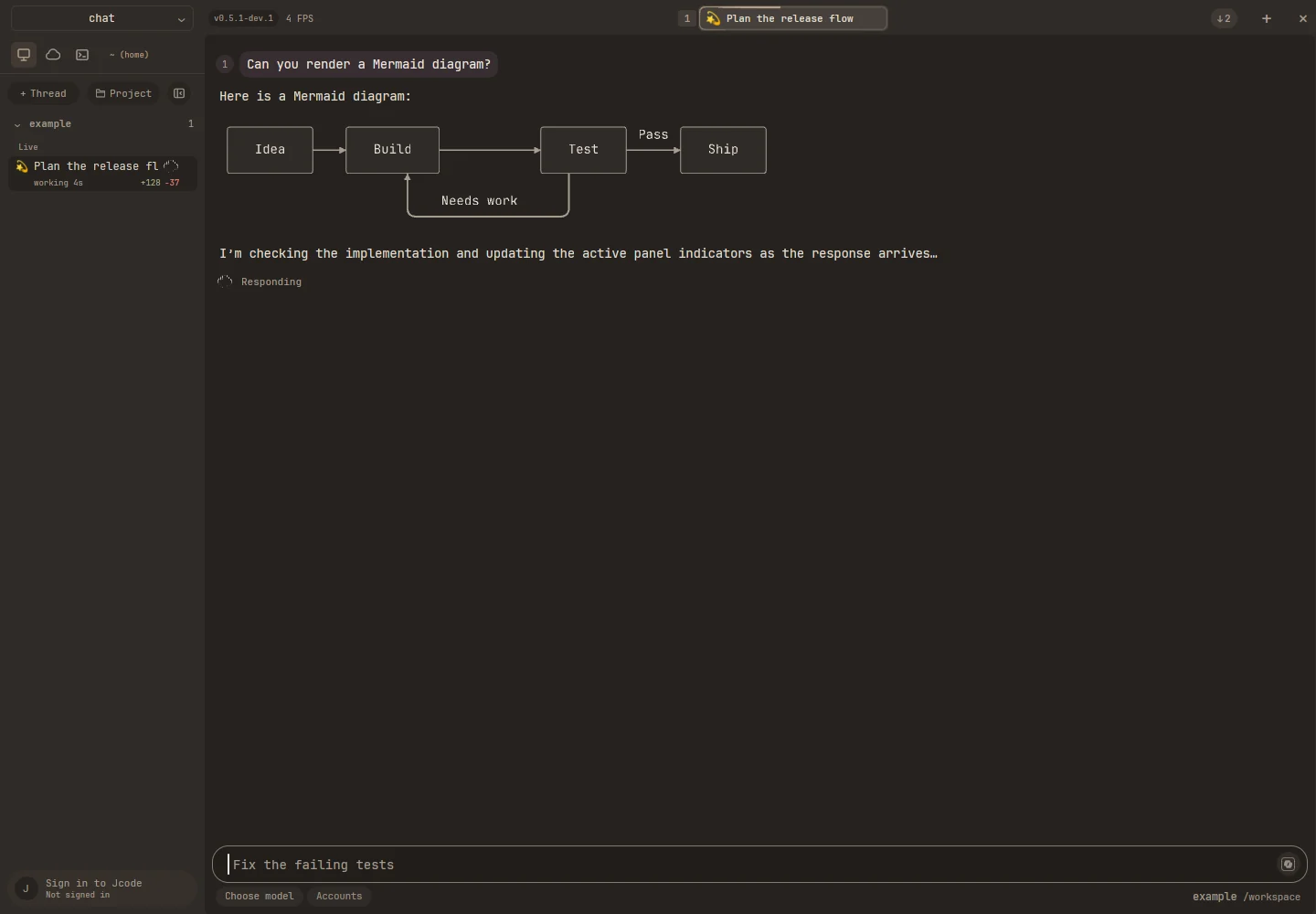
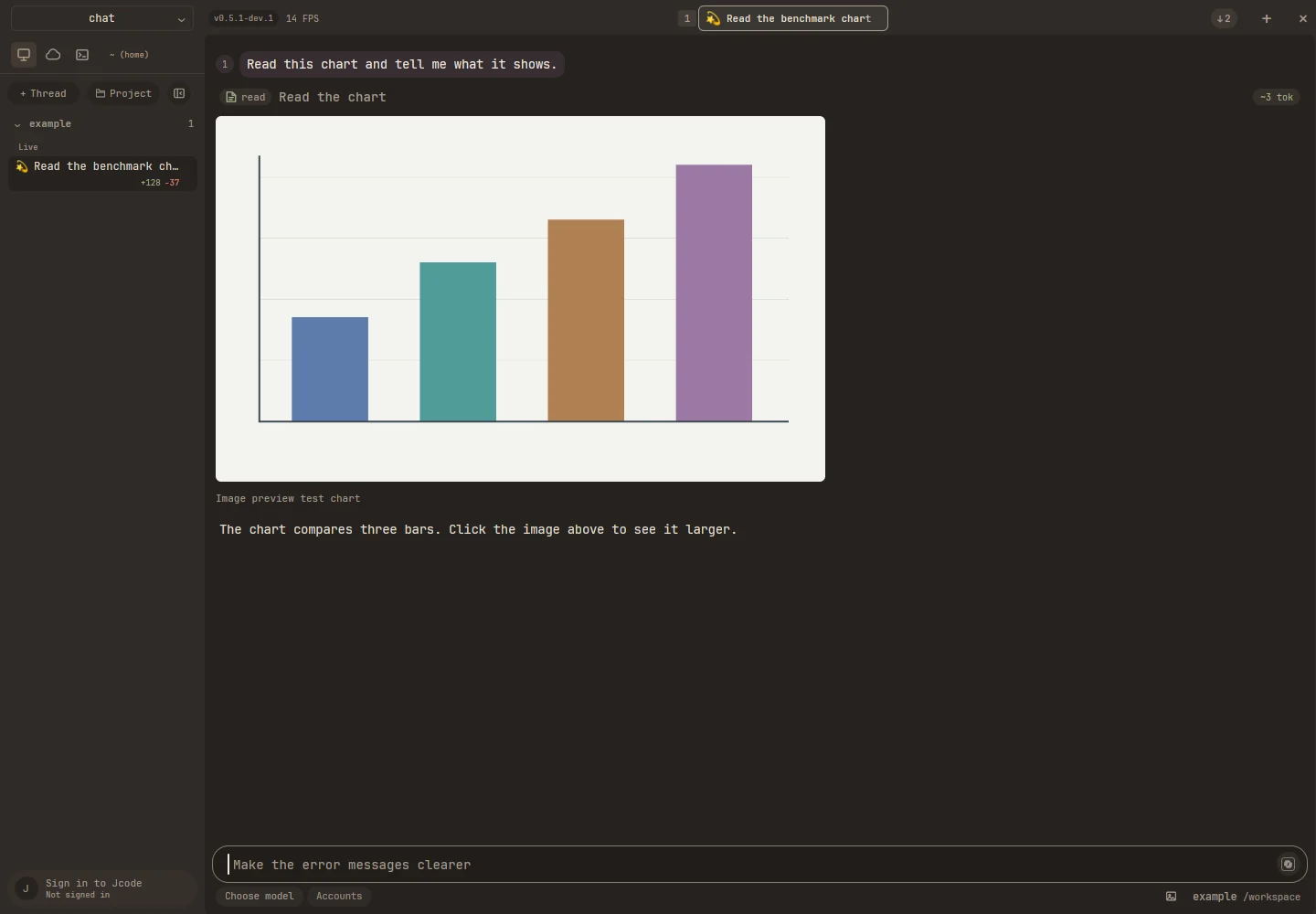
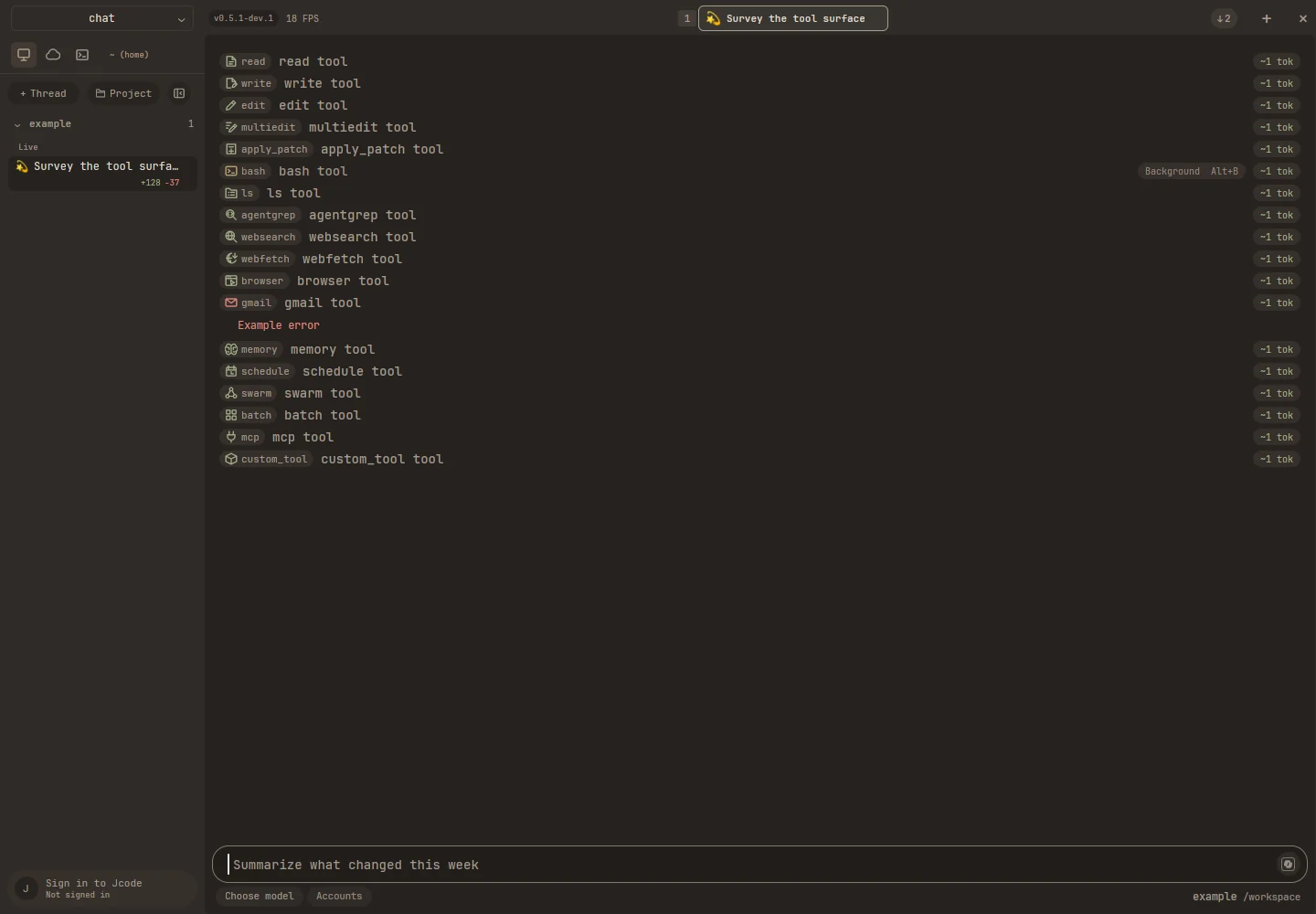
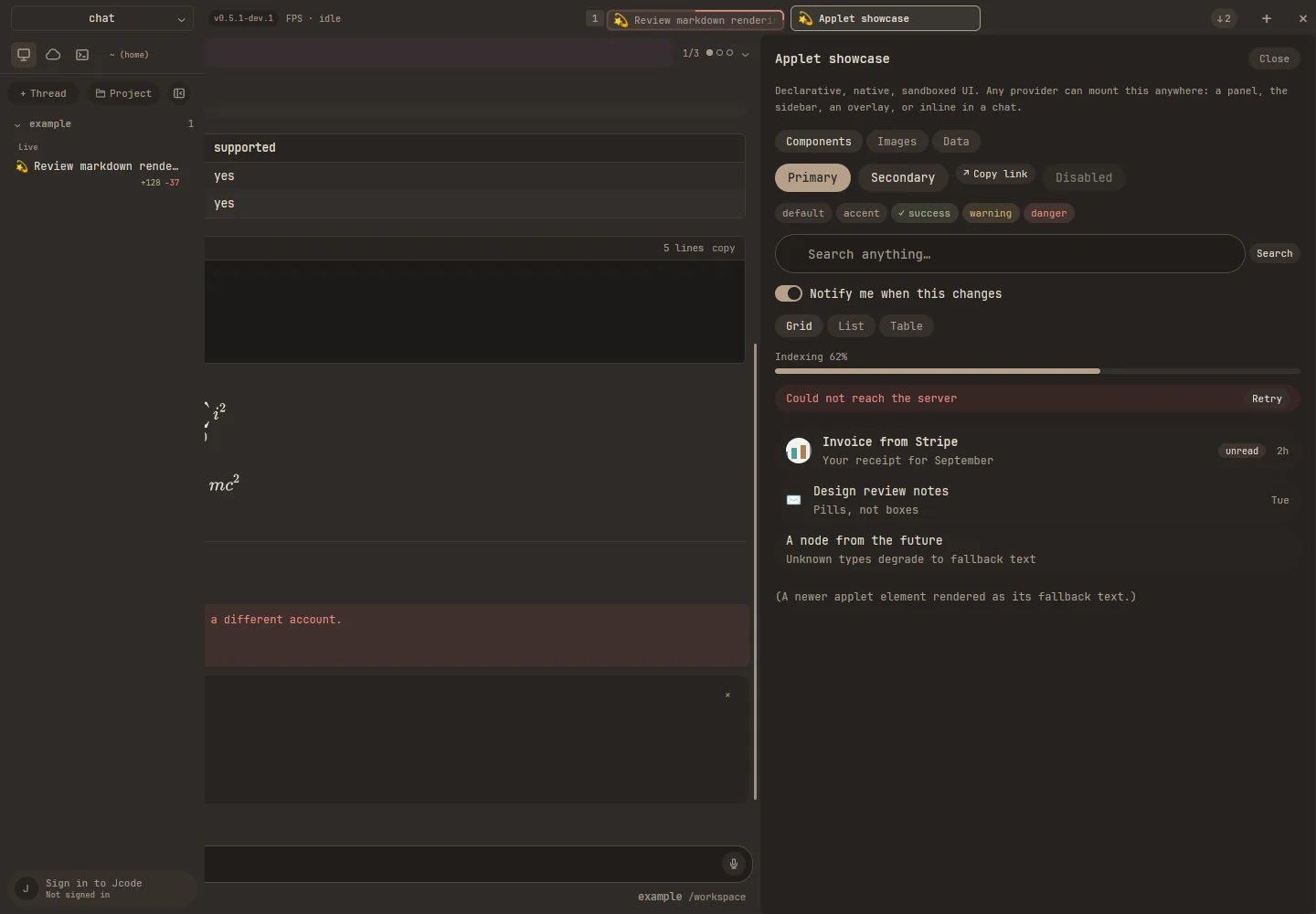
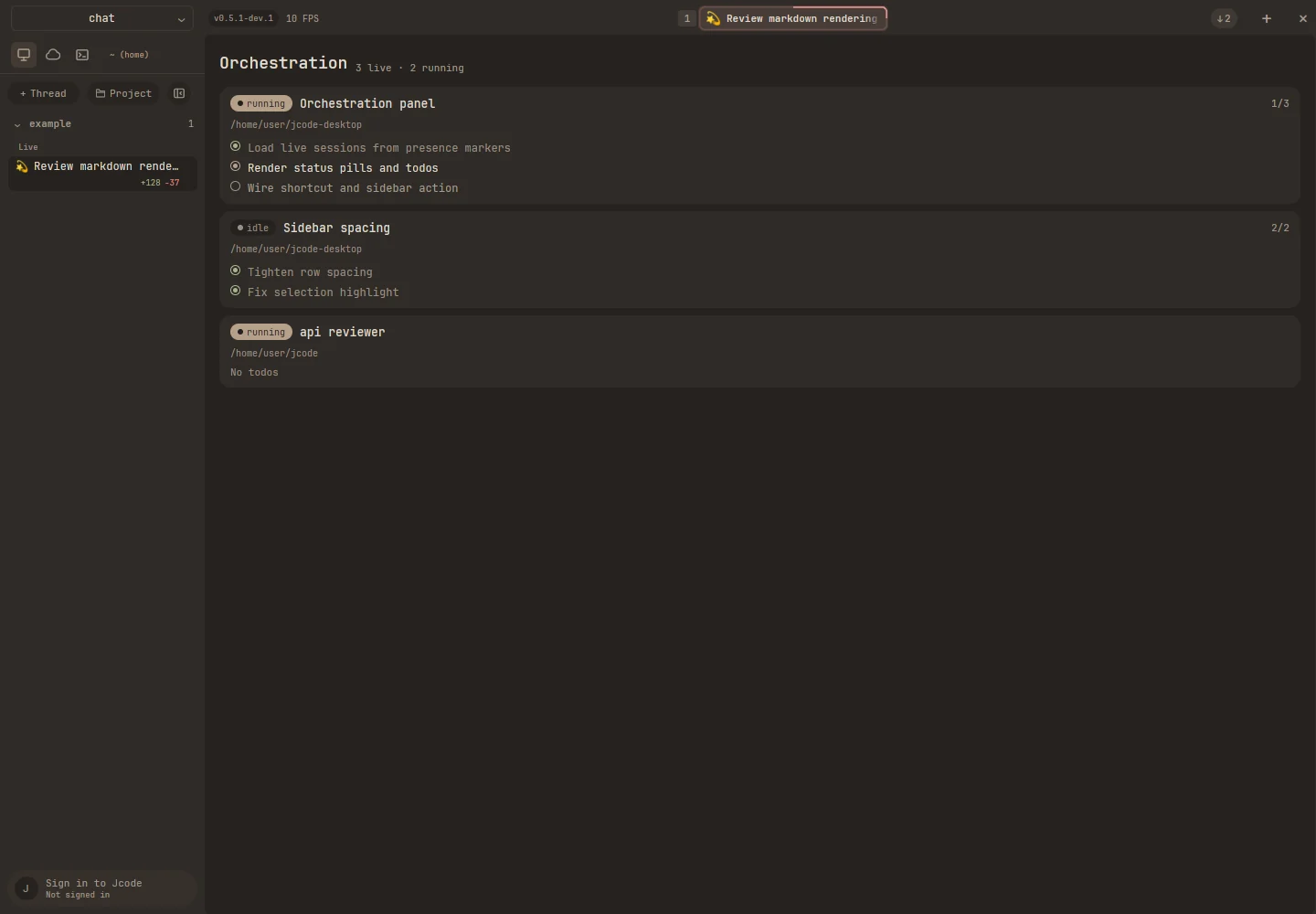
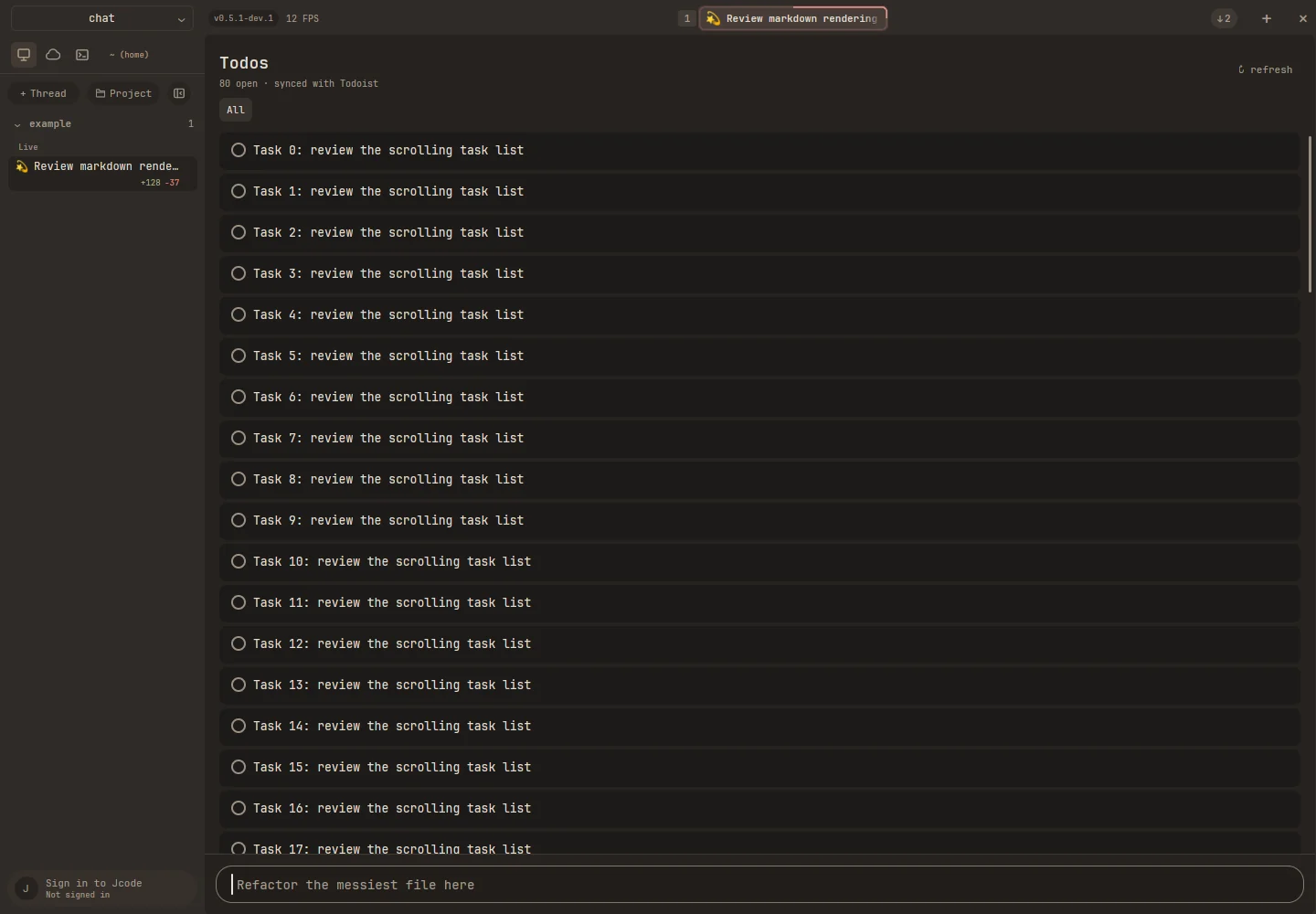
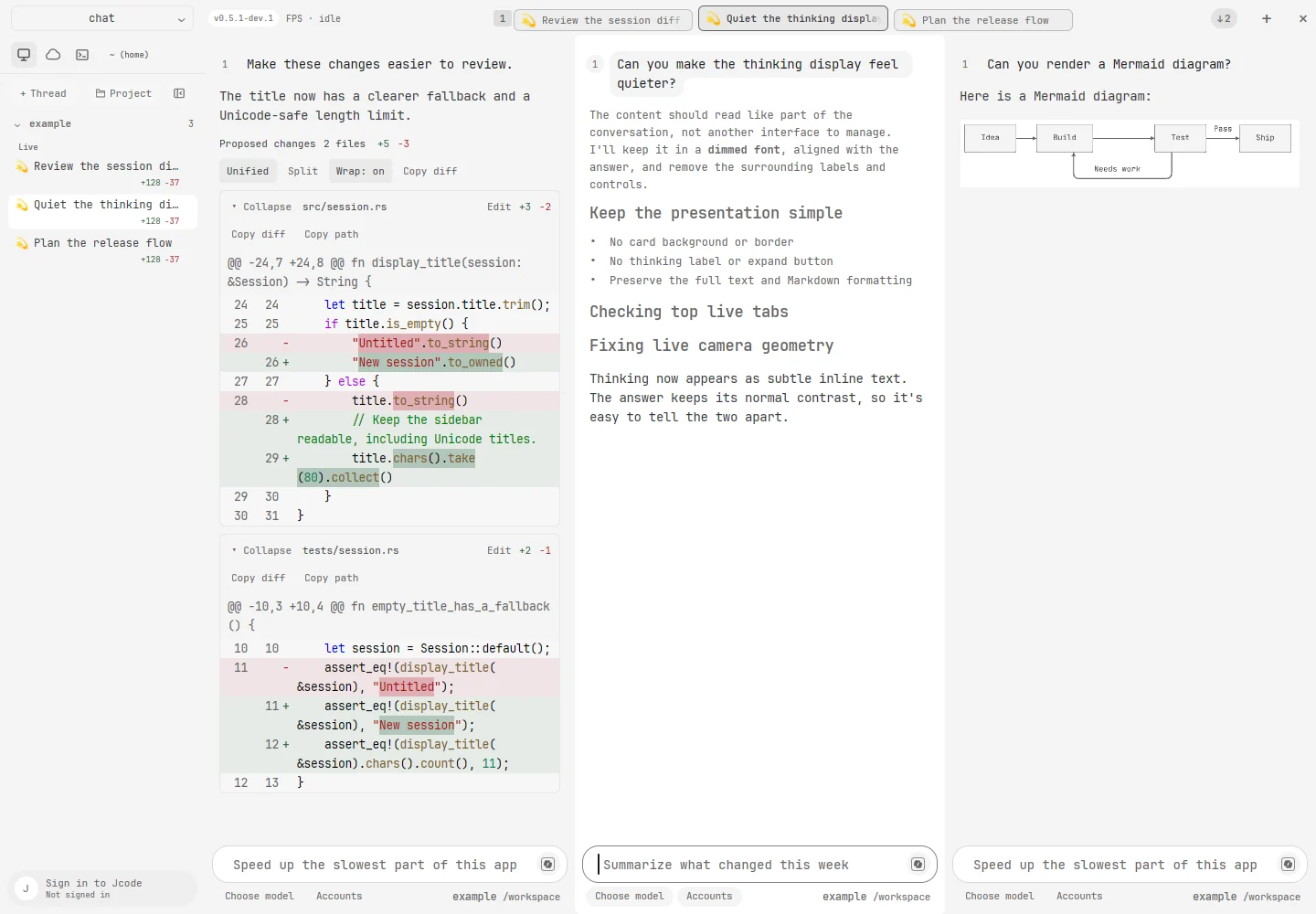
Every frame is the real app, rendered headlessly from offline fixtures.
latest desktop release
Universal DMG for Apple Silicon and Intel. macOS 13 or newer.
Download .dmgOpen the DMG and drag Jcode to Applications.

x86_64 and ARM64 packages when available. Desktop libraries and WebKit support vary by distribution.
Install the .deb with your package manager, or extract the tarball and run Jcode. These packages are not repository-signed.

Portable ZIP for Windows 10 and 11. ARM64 packages appear when available.
Extract the ZIP and run Jcode.exe. The Windows app is not code-signed yet, so Microsoft Defender SmartScreen may ask you to confirm.
The app bundles the jcode runtime. Packages are published from jcode.sh. If the newest release is still publishing, refresh shortly.